Find your message, then fix that one thing
Why does my verification keep failing?
Rejection messages are short and generic, which makes them feel like a verdict. They are not — each one maps to a specific fixable cause. This page is organised by the wording you saw, so you can go straight to yours.
- Does a rejection mean I am banned?
- No. It means one specific check did not pass, and the message names which. Fix that thing and resubmit once.
- Can I just try again with the same photos?
- That is the single most common mistake on this page. Repeated identical resubmissions produce the same result and use up the review window; fix the cause the message names, then submit once.
- Should I open a second account instead?
- No. Multiple accounts per person are generally against the terms, and doing it while one is under review usually gets both restricted.
Verification is largely automated, which means rejections are largely mechanical. Something scored below a threshold. The message telling you so is written to cover many cases at once, so it sounds vaguer than the underlying reason actually is.
Below, the common messages and what each one is really objecting to. Wording differs between platforms and gets rephrased over time; match on meaning rather than exact words.
“Document unreadable” / “poor image quality”
What failed: the system could not extract the data it needs, usually from the machine-readable strip along the bottom of a passport or the equivalent zone on an ID card.
Usual causes, in the order they occur:
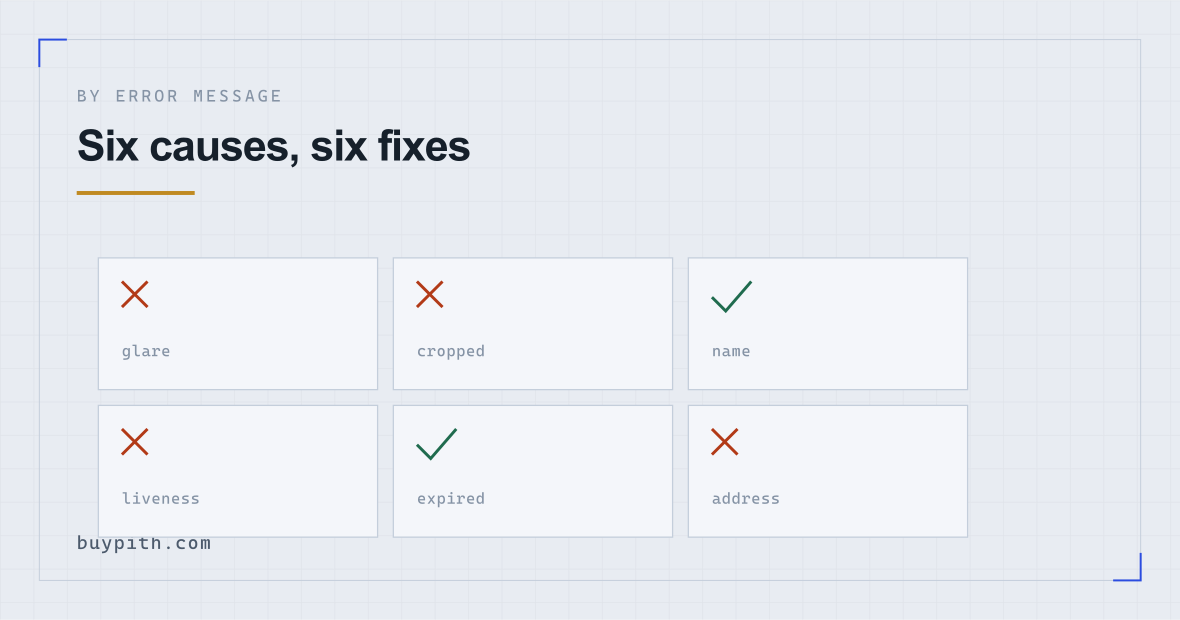
- Glare. Modern documents are laminated and highly reflective. Overhead lights and direct sun both produce a bright band across exactly the part that needs to be read.
- A cropped corner. All four corners must be inside the frame. People hold the document, and a thumb covers one.
- Motion blur from hand-holding at close range.
- A busy background. Patterned surfaces confuse edge detection.
What to change: put the document flat on a dark, matte, plain surface. Stand so your own shadow does not fall across it. Use indirect daylight rather than a lamp. Hold the phone parallel to the document rather than at an angle, and let the camera focus before capturing. If the app offers automatic capture, let it fire on its own rather than tapping.
“Information does not match” / “details mismatch”
What failed: the name or date of birth you typed differs from what the document says.
One detail worth knowing before you type anything: on Binance the personal details you enter cannot be edited once you confirm them, according to its help article on identity verification (checked 2026-10). A typo at that step is therefore a support ticket, not something a resubmission can fix.
This one frustrates people because they know their own name. The mismatches are almost always structural rather than mistakes:
- A middle name printed on the document but not typed in.
- Two surnames — common in Spanish and Portuguese naming conventions — where only one was entered, or they were entered in the other order.
- Accented characters typed without accents, or transliterated.
- A hyphen or apostrophe present in one version and absent in the other.
- Date format confusion between day-month and month-day, which silently produces a valid but wrong date.
What to change: type it exactly as printed, character for character, in the same order, including everything you would normally drop. If the document shows a name in two scripts, use the Latin one in the machine-readable zone.
“Liveness check failed” / “selfie does not match”
What failed: the system either could not confirm a live person was present, or could not match the face to the document photograph.
Photographing a photograph. Holding your ID up to a webcam, uploading an old selfie from your photo library, or capturing a face displayed on another screen all fail a check that exists specifically to catch that. It is not a quality problem and better lighting will not fix it.
Other causes: backlighting, so the face is a silhouette; glasses reflecting the screen; a hat or hood; hair across the face; moving too fast through the prompts; or a document photograph from a decade ago that genuinely no longer resembles you.
What to change: face a window rather than having it behind you, plain wall behind, glasses and hat off, follow the prompts slowly. Use the phone flow rather than a laptop webcam — the capture is designed around a phone camera, and the exchange's own instructions for the liveness step (face fully visible and centred, eyes open, no hat, glasses or filters, enough light) assume one. The phone walkthrough covers the rest of the flow.
“Document type not supported” / “expired document”
What failed: that document is not on the accepted list for your country, or its expiry date has passed.
Accepted lists vary by jurisdiction and are not intuitive. A driving licence accepted in one country is refused in the next. Provisional licences, residence permits, and older card designs are frequently excluded.
What to change: read the list the platform shows for your country and pick from it — a passport is the most widely accepted document if you have one. Binance's help article says the document types on offer, and whether manual upload is available at all, depend on the country on your account, so the list a friend abroad sees is not yours. If nothing you own is on the list, that is a support conversation rather than something to keep resubmitting into.
“Address could not be verified”
What failed: the proof-of-address document did not meet the requirements, which are stricter than people expect.
Typical requirements (they vary by platform and country, so read the on-screen list): issued recently — three months is a common window — showing your full name and full address, from an accepted issuer — utility company, bank, government body. What gets rejected: mobile phone bills, screenshots of online banking, documents with the address partly redacted, anything in a different name, and PDFs where the date is older than the window.
What to change: use a bank statement or a utility bill as a full-page document, recent, unedited, with name and address both visible on the same page.
“We could not verify your identity” — the catch-all
Some platforms return a single generic message covering every failure type, which is maddening because it tells you nothing about which check failed.
When that happens, work through the causes in order of likelihood rather than guessing:
- Recapture the document properly — this is the most common cause by a wide margin, and it is free to rule out.
- Check the typed details against the document character by character, including middle names, accents, and the order of surnames.
- Redo the selfie on a phone, in daylight, with nothing on your face.
- Confirm your document type is on the accepted list for the country on your account.
- Confirm the country on your account matches where you actually live and can prove you live.
If all five are clean and it still fails, you are probably not looking at a fixable submission problem. That is the point to stop resubmitting and contact support, because the remaining causes — screening matches, jurisdiction rules — are not things the automated flow will let you resolve.
What a capture that passes actually looks like
Most of this page reduces to one photograph being taken properly, so it is worth describing the setup rather than listing prohibitions.
Put the physical document flat on a dark, plain, non-reflective surface — a matte table, a closed book, a sheet of dark card. Stand next to a window in daytime, with the light coming from the side rather than from behind you or directly overhead. Hold the phone parallel to the document, not tilted, far enough away that all four corners sit comfortably inside the frame with a margin. Wait for the camera to focus. If the app captures automatically, let it decide when.
What that setup eliminates: glare from overhead lighting, shadow from your own body, cropped corners, motion blur, keystone distortion from an angled camera, and background confusion. Those six causes account for the overwhelming majority of unreadable-document rejections, and one arrangement of table and window removes all of them at once.
For the selfie, the equivalent is: face the window, plain wall behind you, glasses and hat off, hair away from the face, and move through the prompts at a normal pace rather than rushing to finish.
The two messages that mean stop
Some outcomes are not fixable by resubmitting, and continuing to try makes them worse.
- “Under manual review” with no action requested. There is nothing for you to do. Submitting more documents adds to the queue rather than shortening it. Wait; if it has been days rather than hours, one support ticket asking for status is reasonable.
- “Account restricted” or “unable to provide service”. This is a compliance decision, often about jurisdiction, and the automated flow will not resolve it. Only support can, and platforms are frequently not permitted to explain the reason.
Before your next attempt
A short list that removes most of the causes above at once:
- Physical document, flat, dark matte surface, all corners visible.
- Indirect daylight; no overhead lamp, no direct sun, no shadow from you.
- Name typed exactly as printed, including middle names and accents.
- Live capture on a phone, plain background, nothing on your face.
- Move through the prompts at normal speed.
- One attempt. Then read the message rather than trying again.
That last point does most of the work. Platforms do not publish how repeated attempts are scored, so treat every submission as one that will be reviewed in full: Binance's help article says a submission is usually reviewed within 48 hours and some cases take longer, and nothing in that window gets shorter because you sent the same photos again. One attempt, then diagnose. Why the wait has no fixed length covers what happens after a submission that does go through.
Questions people actually ask
How many times can I retry verification?
Platforms do not usually publish a limit, and the practical answer is that the number is smaller than you would like. Platforms do not say how repeated attempts are scored either, and testing it on your own account is the expensive way to find out. Diagnose from the message, change the specific thing, then submit once.
Can I use a different document than the one I started with?
Usually yes, provided it is on the accepted list for your country and the name matches what you typed. Switching to a passport is often the fastest fix when a licence or ID card keeps failing to read.
My name has accents. Do I include them?
Type it exactly as it appears on the document. If your passport prints accents, include them; if the machine-readable zone transliterates them, the system usually handles both. What fails is a version that matches neither.
Why was I rejected without any reason given?
Sometimes the decision relates to sanctions screening or jurisdiction, and platforms are legally restricted in what they may disclose. If no fixable reason is named and resubmitting changes nothing, it is a support matter, and you may not get a full explanation.