Step 05 · getting money in
Debit card or bank transfer for buying crypto?
Compare the final amount received, the quoted costs, the payment limits and the expected arrival time. Either route can be restricted by your bank; a card decline does not establish that a bank transfer will work.
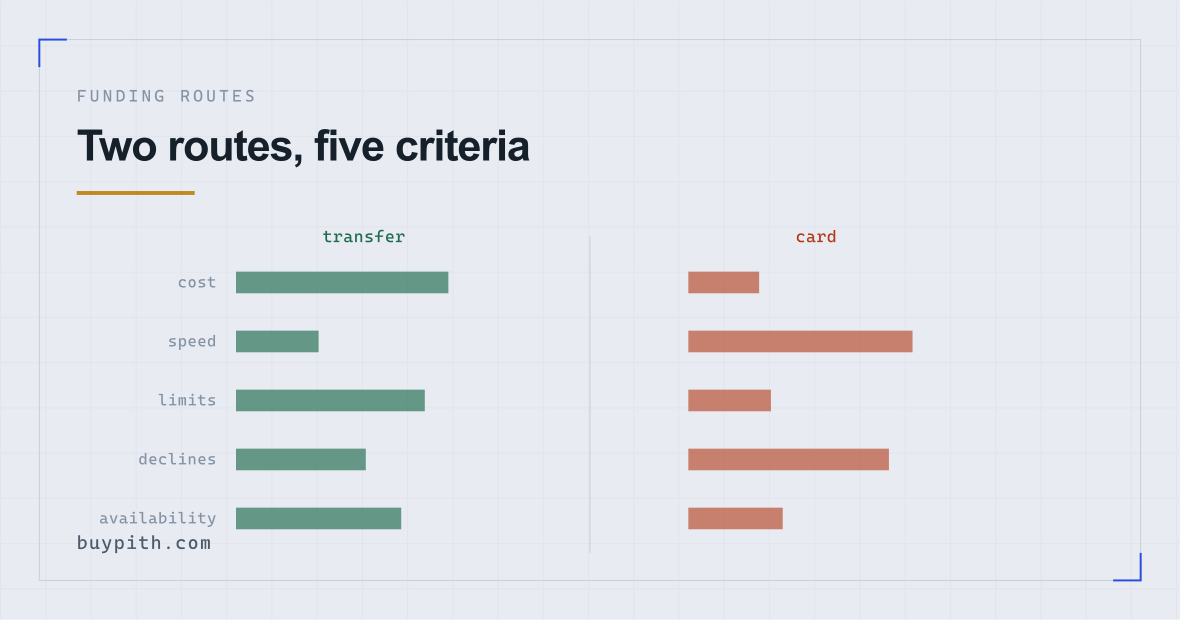
Check the deposit fee, transfer time and limit for the available payment system. Some transfers are instant; others take working days. A bank can restrict crypto-related transfers as well as card payments.
Can be quick, but processing fees or the quoted price may increase the cost. Check the transaction limit and final amount received. A decline can come from the bank, exchange or payment processor.
Before choosing the first payment option in the app, compare the amount that will reach your account, the cost of buying with it, and the stated processing time. A quick deposit is less useful if its fees use up a large part of a small purchase.
Cost: the part that decides it
Card deposits can carry a processing markup. A bank-transfer deposit may be free or cheaper, depending on the exchange, the currency and the payment system. The deposit screen shows which applies to you. For one published example, Kraken lists deposit fees and processing times by currency and payment method (reviewed October 2026).
The reason this matters more than the raw percentage suggests: a card markup is charged on the deposit, then the trading fee is charged on the purchase, then the spread is inside the price. Card funding does not replace the other costs, it stacks on top of them — which of the three or four are visible is a page of its own.
We are deliberately not printing percentages here. They differ by country, by card scheme, by currency, and by whichever partner processes payments in your region, and they change. Read them from the deposit screen at the moment you fund, then check the proportion against the fee impact table. If a deposit screen does not show the fee before you confirm, stop and find it before you pay.
Speed: weigh it against the cost
Card deposits land in minutes. Bank transfers depend entirely on your country's payment infrastructure — instant-payment systems exist in a growing number of places and clear in seconds, while older rails take one to three working days, and weekends are not working days.
So the honest framing of the trade is: is the difference in speed worth the difference in cost? For a first purchase, usually not. There is no deadline. The asset will still exist on Thursday, and the argument that it might be more expensive by then is the same argument that it might be cheaper — neither is information.
Speed matters more when you need funds on the platform at a particular moment, which is not usually the situation on a first purchase.
Not all bank transfers are the same speed
A bank transfer is not automatically a multi-day wait. Its speed depends on the payment system available for that currency and destination. Check which system the exchange accepts and the expected crediting time before sending.
- Instant payment systems exist in many markets and settle in seconds, at any hour, including weekends. Where one is available and supported by the exchange, compare its quoted crediting time and charges with the card option. An instant transfer is not necessarily free.
- Standard domestic transfers settle within a working day or two in most banking systems, and do not move at weekends.
- International transfers are the slow, expensive case, and the one worth avoiding entirely. If the exchange gives you an account in another country, expect several days and a conversion cost, and consider whether a different funding route exists for your region.
How to tell which you are using: the deposit screen names the method, and your banking app usually offers a choice when you set up the payment. If an instant option appears, check that the exchange accepts it, then compare the expected crediting time and all charges before choosing it.
Worth checking once: some exchanges support an instant rail for deposits but not for withdrawals, or the reverse. Knowing which applies to your account before you need the money out is more useful than finding out during.
Limits
Card deposits usually carry lower per-transaction and daily limits than transfers, because card fraud exposure is higher. Bank transfer limits come from two places — your bank's own daily cap and the exchange's per-channel limit for your verification level — and the lower of the two is the one that applies. Compare it with the card limit shown for your account.
A small first purchase may sit well inside both limits. Check them anyway, because the limit shown for your verification level is the one that applies to your account.
Declines: when the bank blocks the payment
Some banks restrict payments to cryptocurrency exchanges. For a documented UK example, NatWest describes restrictions on both debit-card payments and bank transfers (reviewed October 2026). This is one bank's policy, not a measure of how often banks elsewhere decline payments.
A bank-side restriction is one possible reason for a failed card deposit. Check it before retrying: repeated attempts can trigger further security checks without changing the underlying policy.
Check the decline message, then call the number on the back of your card and ask whether the payment was blocked by policy, a limit, or a security check. Ask whether the restriction also applies to bank transfers before choosing another funding route.
A bank transfer can also be delayed or blocked. Confirm that your bank permits the destination and that the exchange accepts the transfer method; a failed card payment does not establish that a transfer will succeed.
Reversibility, and why it cuts the other way
Card payments feel safer because of chargebacks. In this context that intuition is misleading.
A chargeback on a crypto purchase is not a refund route. Crypto is treated as a delivered good, and once the coins are credited the exchange has performed. Filing a chargeback after a legitimate purchase gets accounts frozen and, on some platforms, permanently closed — and the delivered asset is not returned to you.
The reverse also holds: neither route lets you undo the purchase. Funding and buying are separate events, and a filled order does not reverse regardless of how the money arrived.
Which to actually use
| Your situation | Sensible route | Why |
|---|---|---|
| First purchase, small amount, no hurry | Compare the full cost of both | A transfer may avoid a card processing fee, but check the deposit fee and any bank charges |
| You want to see the whole process work today | Check the quoted arrival time | A card or a supported instant transfer may suit; compare costs and restrictions before paying |
| Your bank blocks crypto merchants | Ask the bank which payments it permits | A card restriction may also cover transfers; changing routes does not establish that payment will work |
| Larger amount | Check limits and total cost for both routes | Use the bank and exchange limits shown for your account and payment method |
| Only a credit card available | Wait | Cash-advance charges and interest make this the most expensive option there is |
Choose using the quote available to your account. If a bank transfer leaves you with more money to buy with and its arrival time suits you, it may be the better fit. If you pay extra for a faster route, check what that extra cost buys before confirming.
How each one fails, and what it looks like
Comparison tables cover the happy path. The failure modes are more useful, because they explain what to check when a payment does not arrive.
| Route | How it typically fails | What you see | What resolves it |
|---|---|---|---|
| Card | Bank blocks the merchant category | Generic decline, no reason given, exchange shows nothing wrong | Call your bank. If it is policy, ask whether transfers are restricted too before choosing another route. |
| Card | 3-D Secure step fails or times out | Redirect to your bank's page, then back with a failure | Retry once with the banking app already open |
| Card | Repeated attempts flagged | Card temporarily blocked, sometimes a fraud alert | Unblock through your bank; stop retrying |
| Transfer | Reference code omitted | Money left your account, nothing appears on the exchange | Support ticket with proof of payment. Slow. |
| Transfer | Sent from an account in another name | The deposit may be held, refused or returned; return charges may apply | Ask support about the deposit and any return before sending again; use an account in your own name |
| Transfer | Wrong currency sent | The payment may be returned, converted or subject to extra charges | Ask the bank and exchange what happened; check the accepted currency before another transfer |
For a declined card payment, check the exchange's message and ask your bank whether it blocked the payment. If a transfer has left your bank but has not reached the exchange after the quoted processing time, give the exchange's support the payment reference and proof of payment. Check the status before sending a replacement payment.
Practical details to check on transfers
Bank transfers to an exchange require a reference code, generated on the deposit screen, which tells the exchange which account the incoming money belongs to. Sending money without it means the transfer has to be matched manually, which turns a same-day deposit into a support ticket.
Two more things worth getting right first time: send from an account in your own name — exchanges can reject and return deposits from someone else's account, sometimes minus a fee — and check the accepted currency, since a mismatch can lead to a return, conversion or extra charges.
The payment method table lays out both routes alongside the others, including what each one is genuinely good for and how it typically fails.
Questions before you start
Why was my debit card declined by the exchange?
A decline can come from your bank, the exchange, or a payment processor. Check the exchange's error message and ask your bank whether crypto payments are restricted before retrying. A card restriction may also apply to bank transfers.
Is a bank transfer safe for this?
It is the ordinary way to move money to a regulated financial business, and the transfer itself carries the usual protections of your banking system. What it does not do is protect the purchase you make afterwards — that is a separate transaction with no reversal mechanism.
Can I use someone else's card or account?
No. Check the exchange's deposit terms: funding from someone else's card or account can be refused, because it defeats the purpose of the identity verification you just completed. A deposit from an account in another name can be returned, sometimes with a fee deducted.
How long should a bank transfer take?
Anywhere from seconds to a few working days depending on the payment system in your country and whether you sent it outside banking hours. The deposit screen states the expected range for your region; if it is materially past that, check your bank first to confirm the money actually left.